Mermaid Diagrams
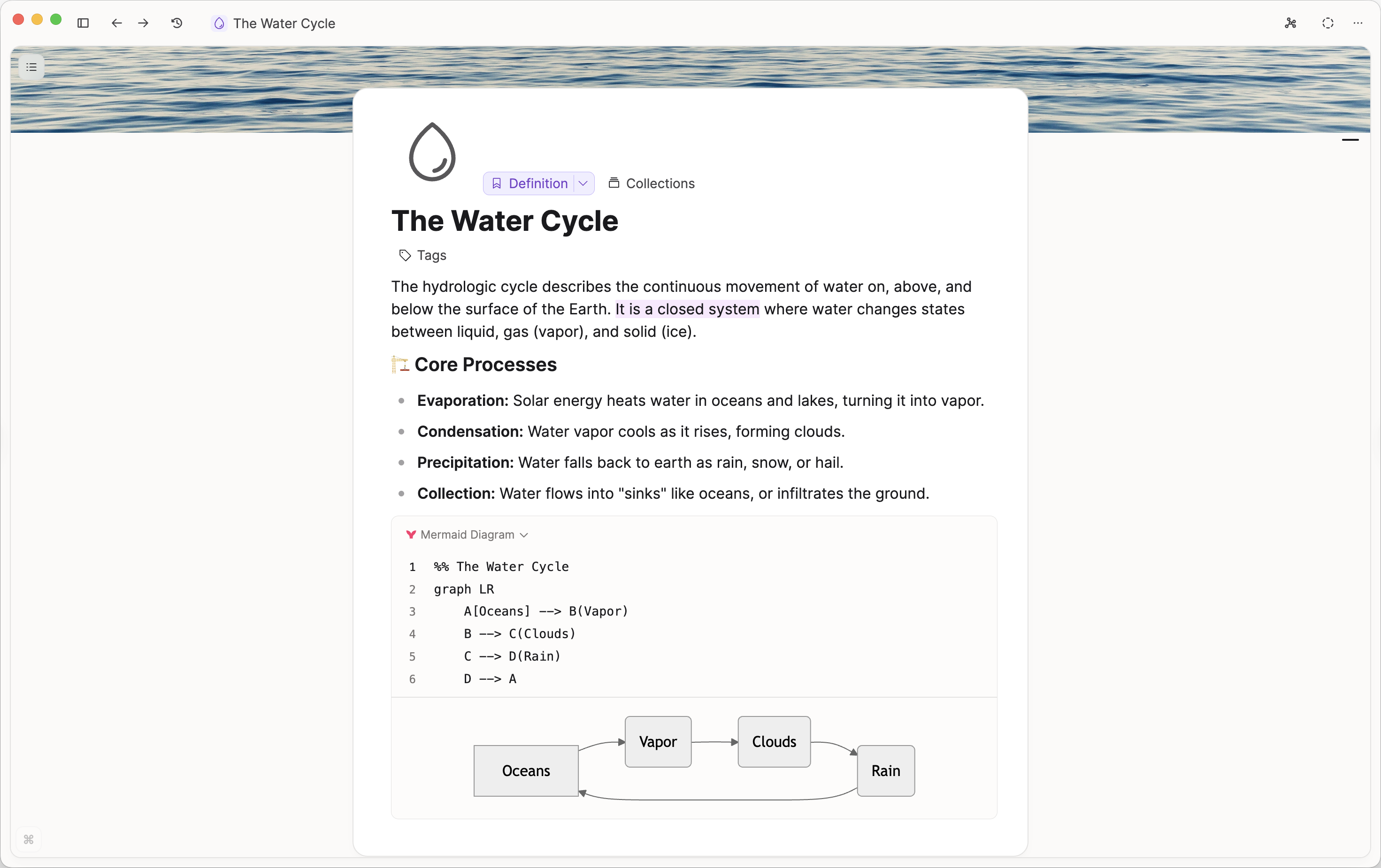
Mermaid turns plain text into diagrams for visualising processes, structures, and flows.
How it works
- Create a Code Block (
/→ Code Block) - Set the language to Mermaid
- Write the syntax yourself, or use Build with AI to generate a diagram from text
Capacities renders the diagram instantly inside your note.
For the full syntax reference, see the Mermaid documentation https://mermaid.js.org/intro/
AI-powered Mermaid diagrams
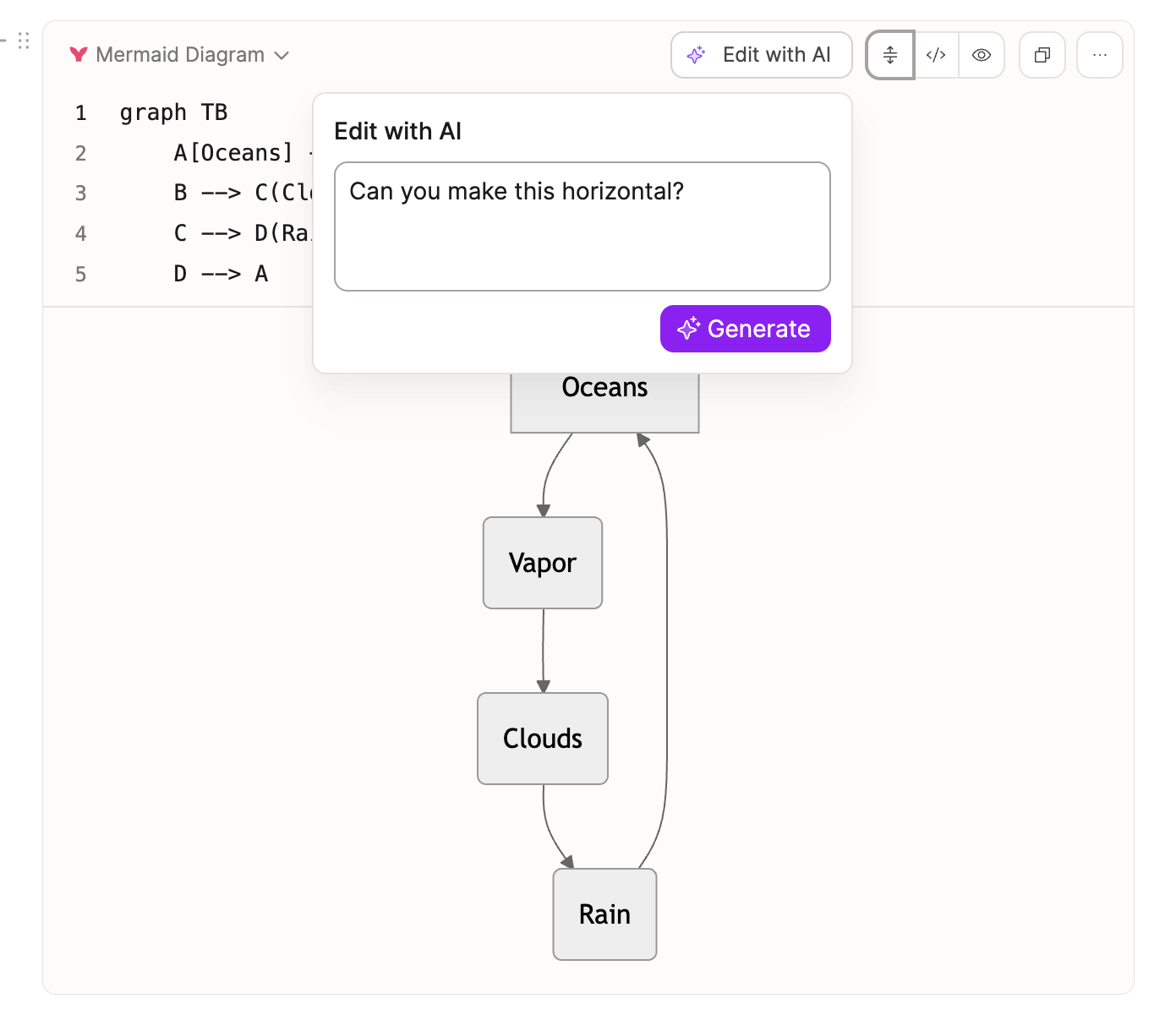
Capacities ProIf AI is enabled in your space, you can create or edit Mermaid diagrams with AI.
Use Edit (or create) with AI to describe what you want. The Mermaid syntax updates automatically, and the diagram refreshes with it.